
Bank Cards
Purpose
Section titled “Purpose”The Cards section allows users to create cards, view issuance
requests, and manage available cards.
Address: https://banking.reactivepay.com/bank_cards
Capabilities
Section titled “Capabilities”- create a single card;
- create cards in bulk via XLSX/CSV;
- view card issuance requests;
- search by holder, status, type, and currency.
Card List
Section titled “Card List”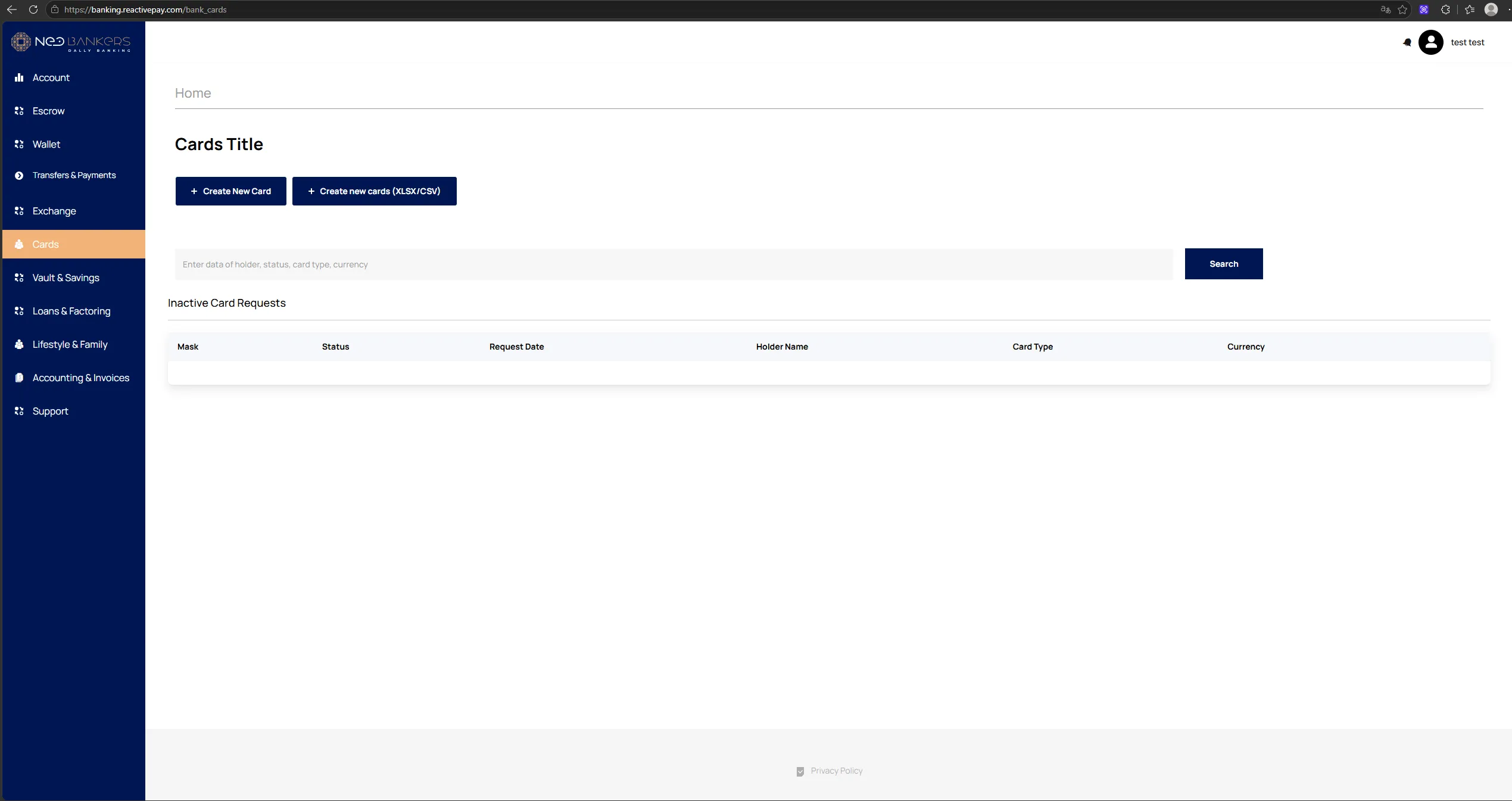
The page provides:
Create New Card;Create new cards (XLSX/CSV);- search field;
Search;Inactive Card Requeststable.
Table fields:
Mask;Status;Request Date;Holder Name;Card Type;Currency.
Creating a Card
Section titled “Creating a Card”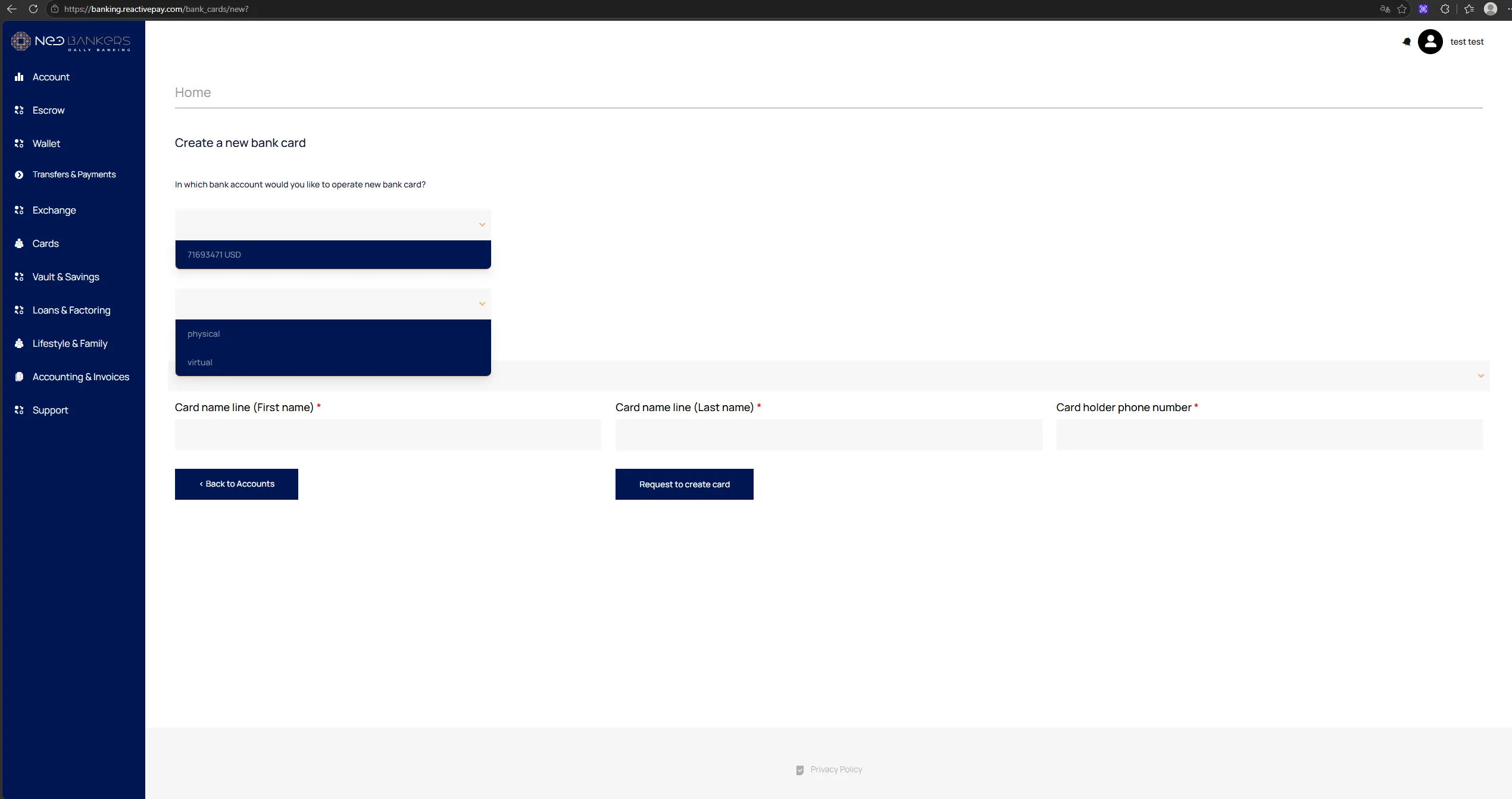
Clicking Create New Card opens the form:
- Select a bank account.
- Select the card type:
physicalorvirtual. - Select the country.
- Enter the holder’s first name.
- Enter the holder’s last name.
- Enter the holder’s phone number.
- Click
Request to create card.
Physical Card and Delivery
Section titled “Physical Card and Delivery”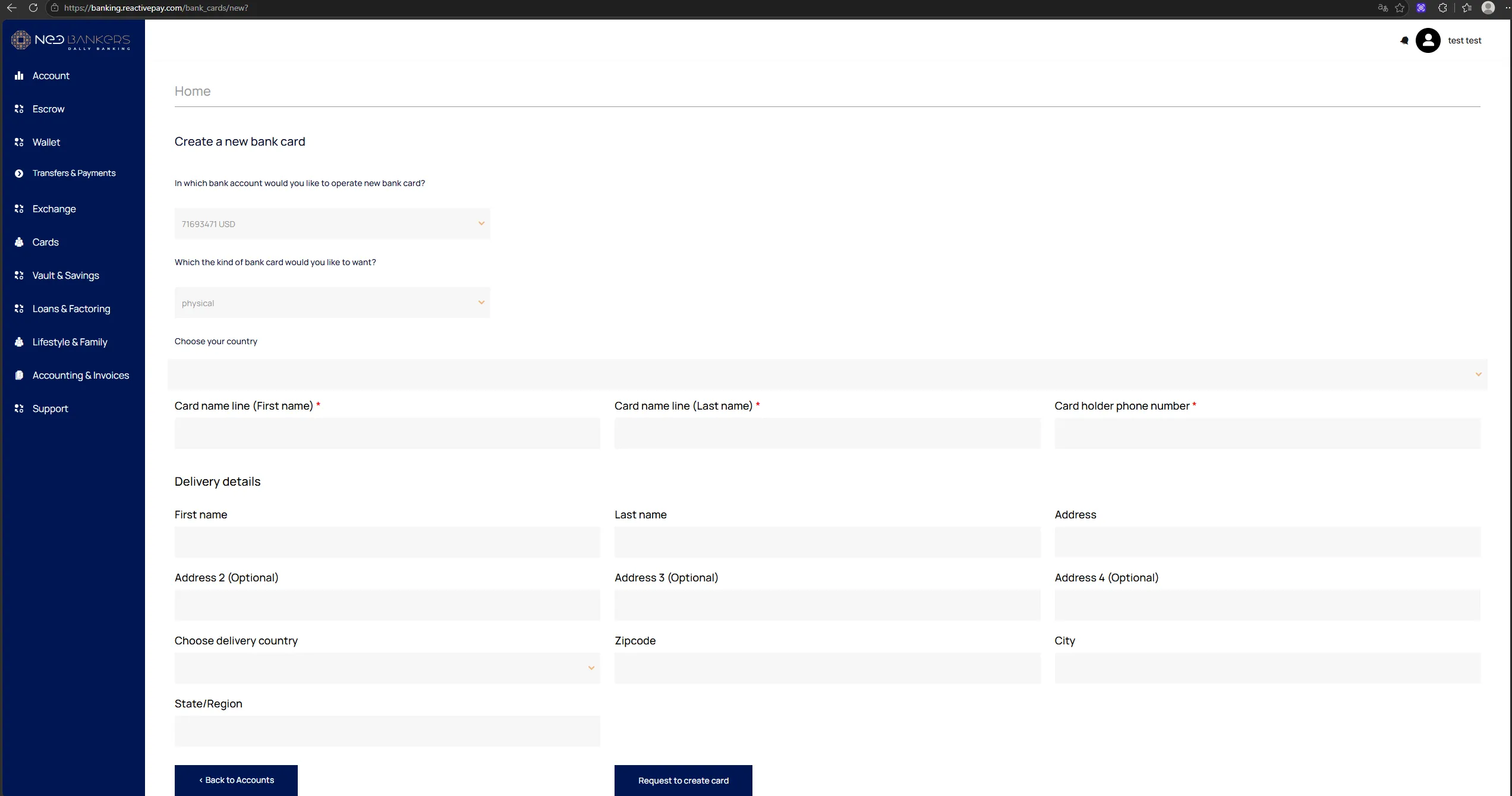
For a physical card, an additional Delivery details block is
displayed.
Delivery fields:
First name;Last name;Address;Address 2 (Optional);Address 3 (Optional);Address 4 (Optional);Choose delivery country;Zipcode;City;State/Region.
Request and Statuses
Section titled “Request and Statuses”After submission, the request appears in Inactive Card Requests.
The interface includes the following statuses:
pending— the card is not active yet;active— the card is active;suspended— the card is suspended;blocked— the card is blocked.
Card Management
Section titled “Card Management”After a card is created, the Cards section displays key parameters,
including:
Balance;Holder;Number;CVV;Date expire;Currency;Status;Card type;Password.
Available actions:
Show pin code;Set pin code;Show Card Data;Transactions;Suspend card;Block card.