
Client Personal Cabinet
Purpose
Section titled “Purpose”The Client Personal Cabinet is a web interface where clients manage accounts, transfers, currency exchange, and bank cards.
Address: https://banking.reactivepay.com
Registration and Login
Section titled “Registration and Login”Registration
Section titled “Registration”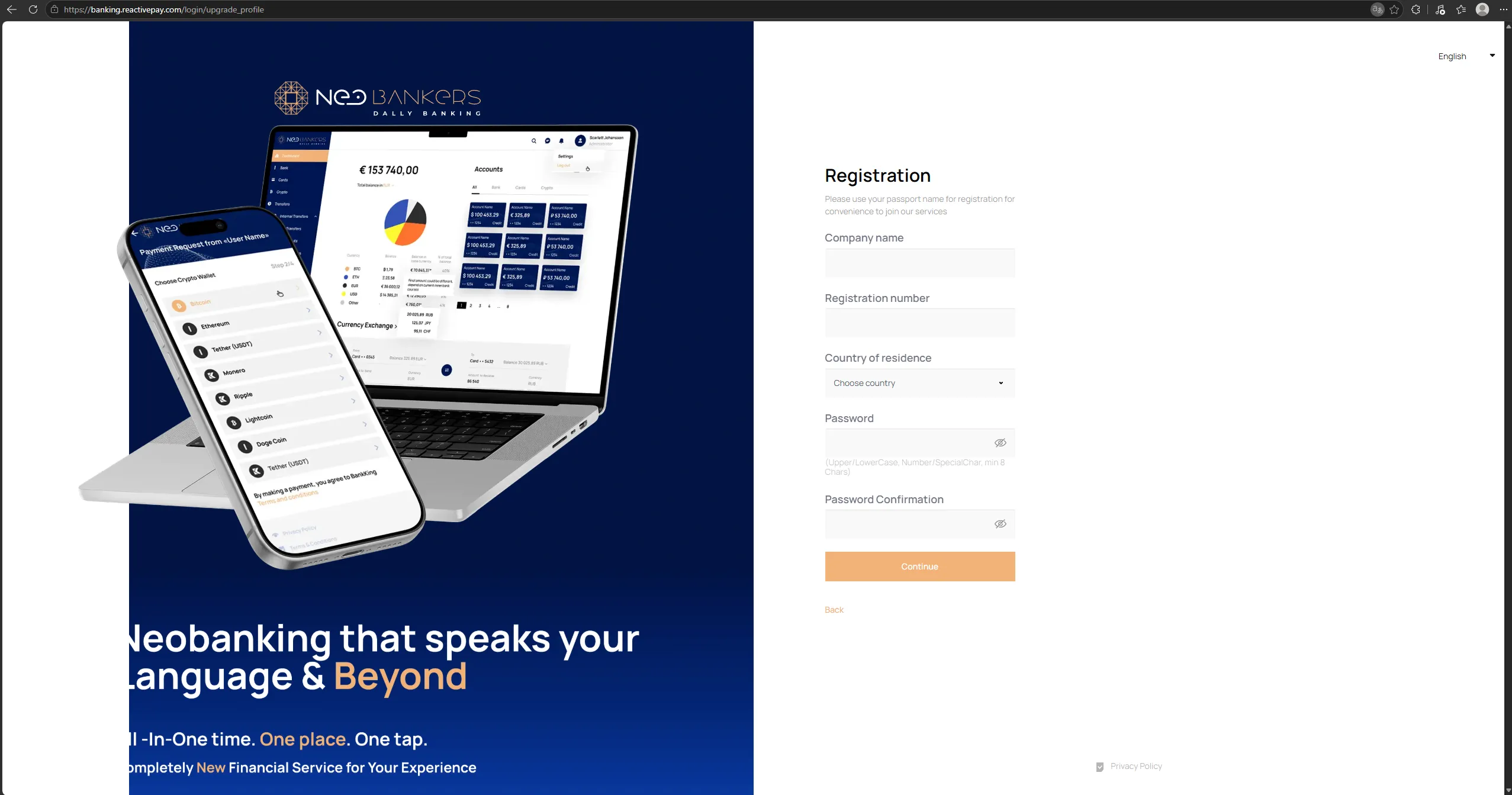
During registration, the client selects a profile type:
Personal— an individual profile;Business— a company profile.
The user must accept the terms of use to continue.
Login is performed using an email address and password. The interface
provides Remember me and password recovery options.
KYC Verification
Section titled “KYC Verification”After registration, the client completes verification to gain access to the main sections of the personal cabinet.
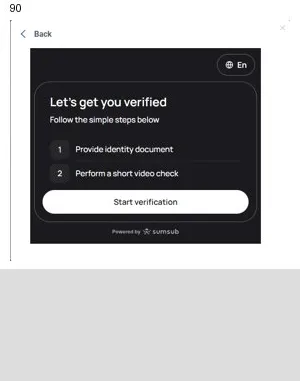
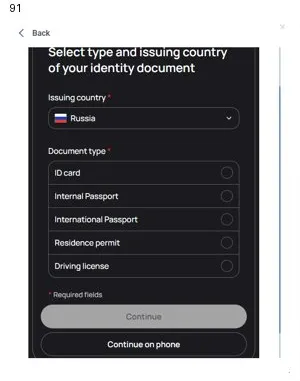
The process includes the following steps:
- Click
Start verification. - Select the document issuing country.
- Select the document type.
- Provide the document.
- Complete a short video verification.
- Wait for the verification to be completed.
In the current scenario, KYC is performed through Sumsub.
Main Sections
Section titled “Main Sections”Section Purpose
Account Account list and new account
requests.
Escrow Coming soon section.
Wallet Coming soon section.
Transfers & Payments Transfers. The menu includes
Transfer and IQ Pay.
Exchange Currency exchange and operation
parameters.
Cards Bank cards and card issuance
requests.
Vault & Savings Coming soon section.
Loans & Factoring Coming soon section.
Lifestyle & Family Beneficiary management.
Accounting & Invoices Online Statements and account
statements.
Support Coming soon section.
Section titled “Support Coming soon section.”Accounts
Section titled “Accounts”Requesting a New Account
Section titled “Requesting a New Account”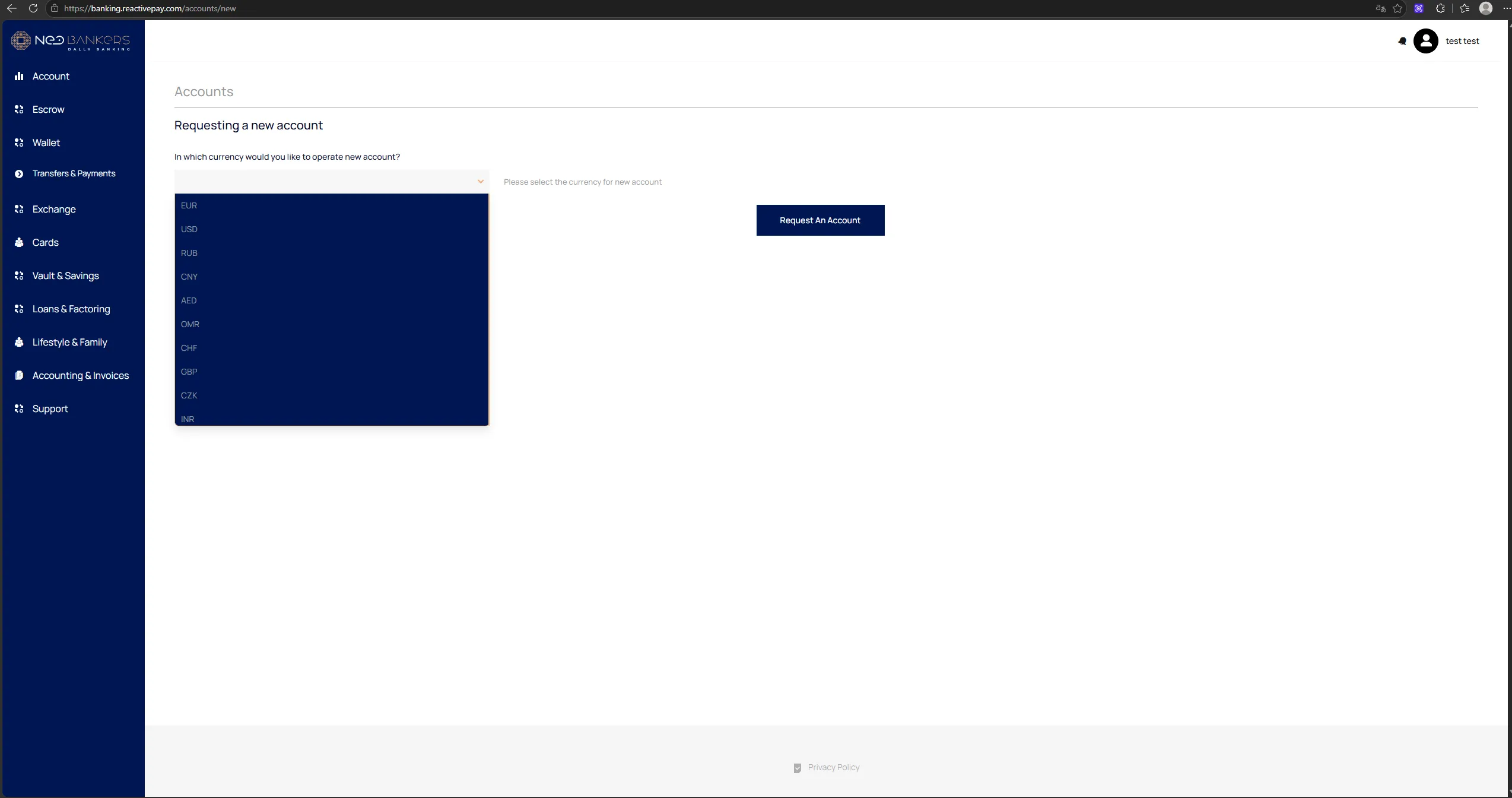
- Open
Account. - Click
Request New Account. - Select the currency.
- Click
Request An Account. - The request appears in
Core → Account Requests. - After approval, the account becomes available in the personal cabinet.
The interface supports, among others, EUR, USD, RUB, CNY, AED, OMR, CHF, GBP, CZK, and INR.
Account List
Section titled “Account List”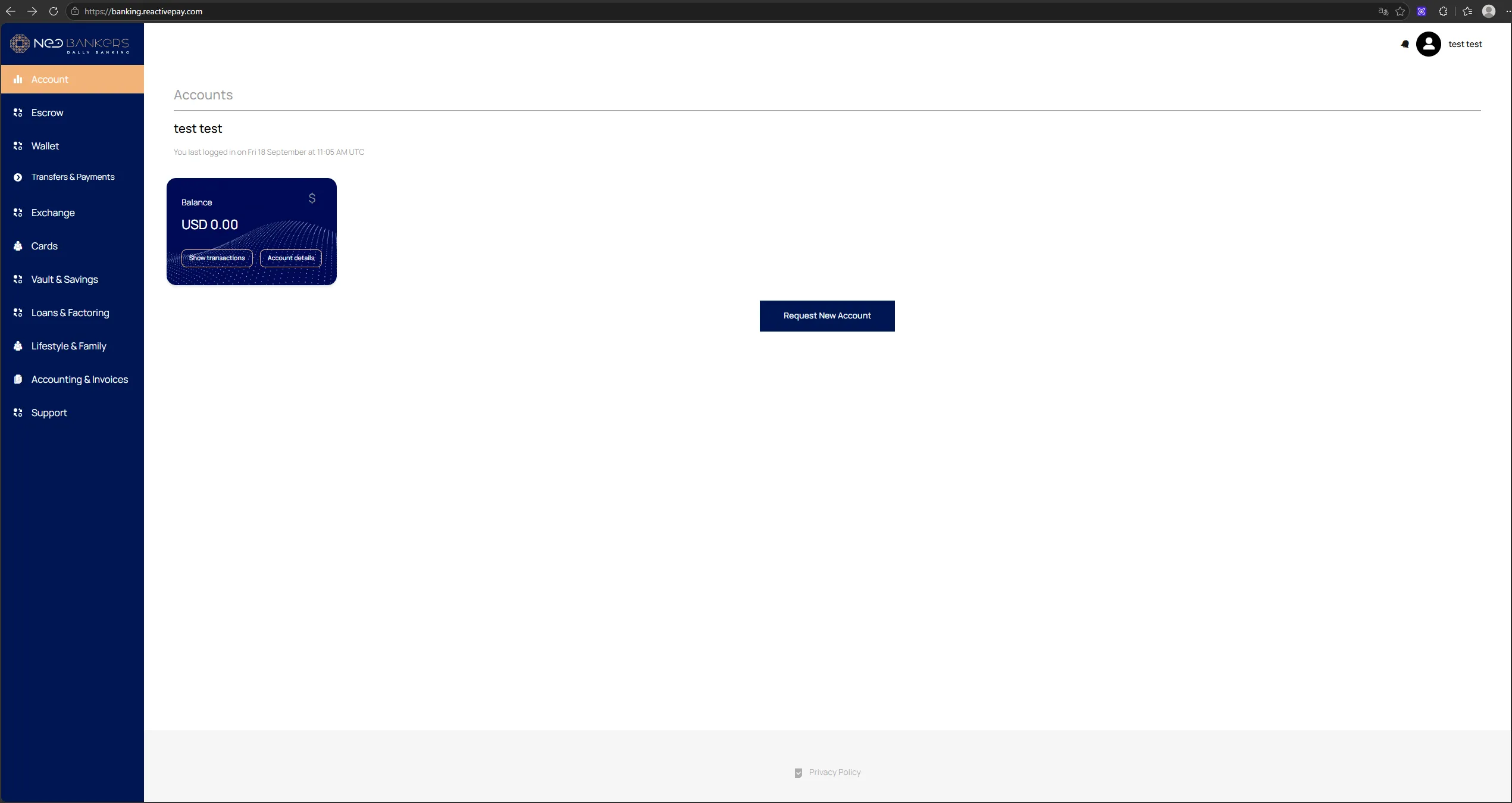
The following main actions are available for an account:
Show transactions— open the transaction history;Account details— open the account details.
Account Details
Section titled “Account Details”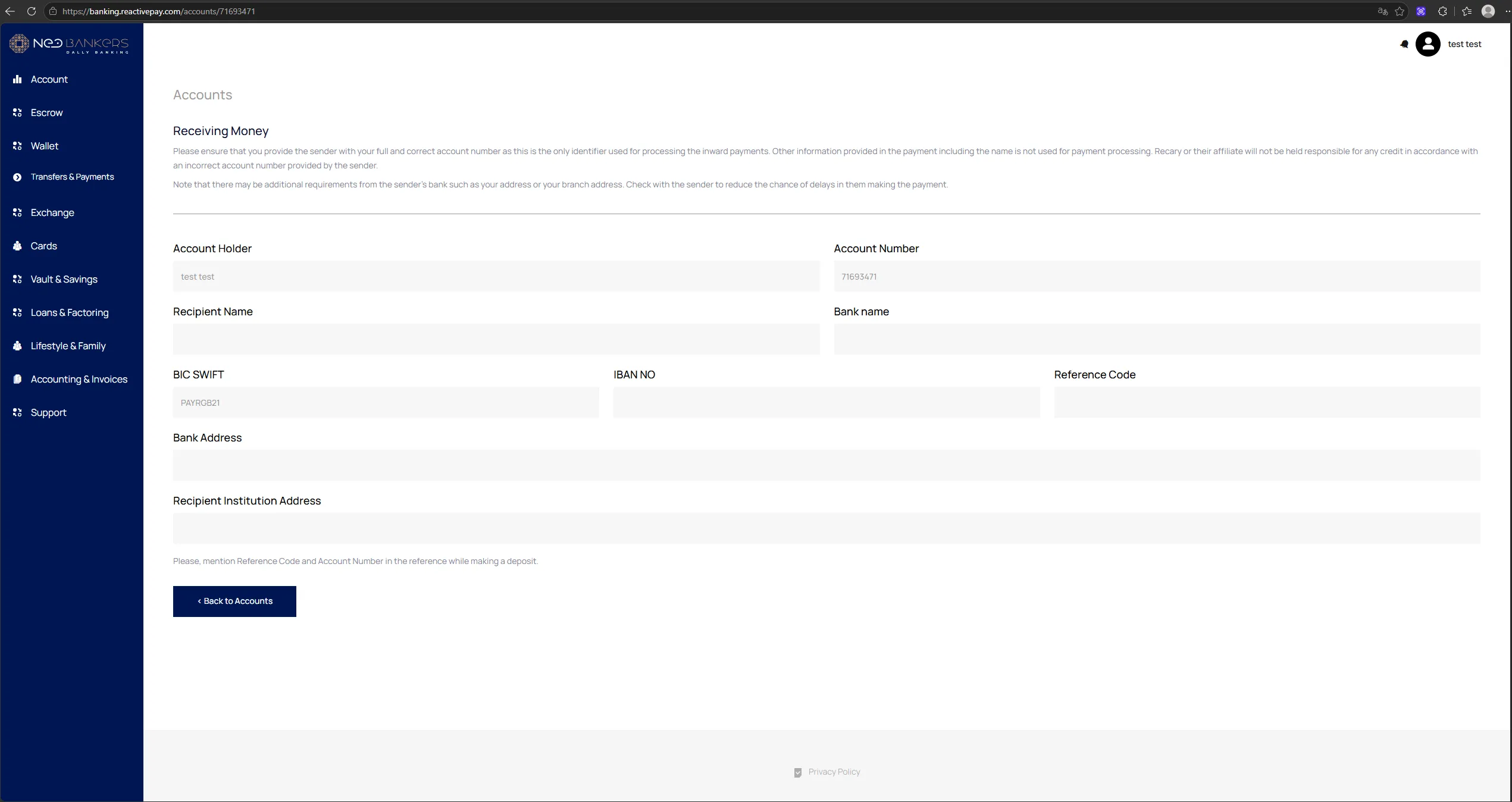
Account details displays the details available for the selected
account, including:
Account Holder;Account Number;Recipient Name;Bank name;BIC-SWIFT;IBAN NO;Reference Code;Bank Address;Recipient Institution Address.
Transactions
Section titled “Transactions”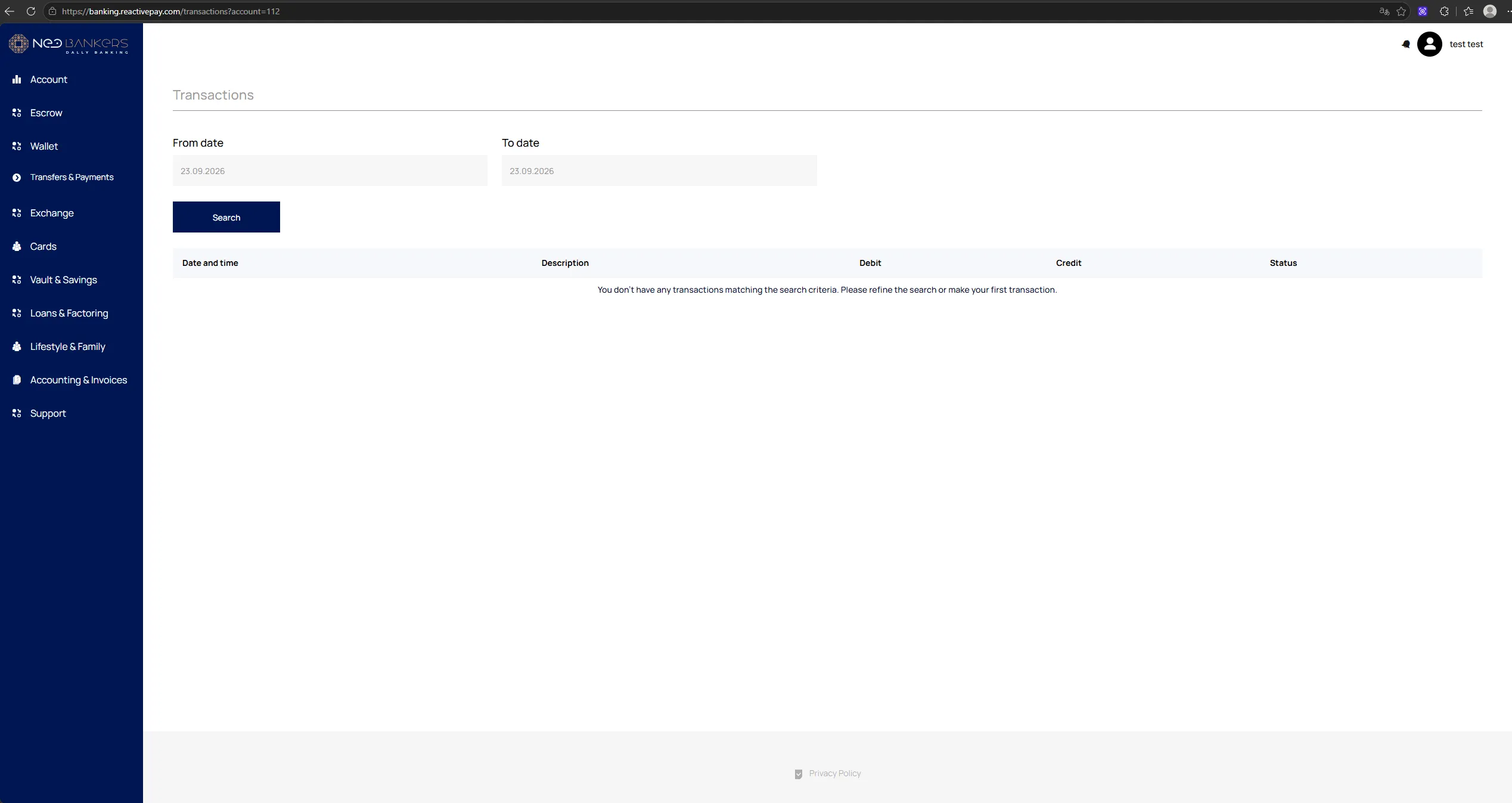
The Transactions section provides:
- date range filters:
From date/To date; Search;- a table with
Date and time,Description,Debit,Credit, andStatus.
Online Statements
Section titled “Online Statements”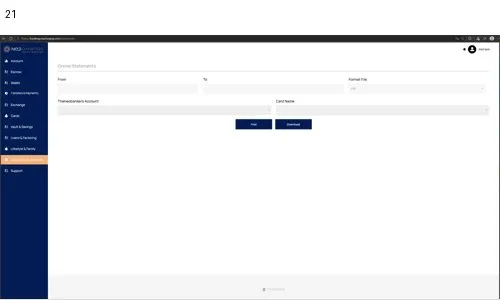
Online Statements is used to prepare a statement for an account or
card for a selected period.
The interface provides period and account/card selection parameters and
a Search action to generate the result.